
Always within reach
Lives in your menu bar so translation is one click away.
 TranslateBar
TranslateBar keeps everyday translation one click away, without accounts, advertising, or sending your text to a third-party translation service.
Designed for macOS 15 and later
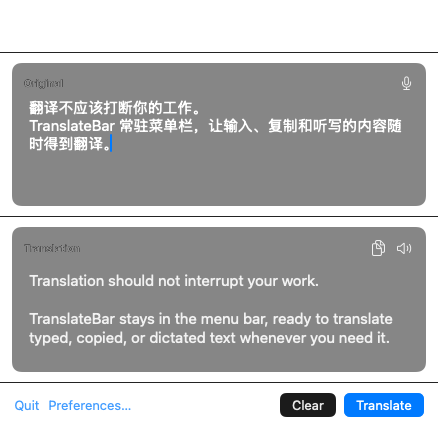
Lives in your menu bar so translation is one click away.
No accounts, no tracking, no ads. Your text stays yours.
Translate typed, copied, or dictated text without breaking your flow.
Keep your source and result together in one compact window. Copy a translation, listen to it, or continue editing without losing context.
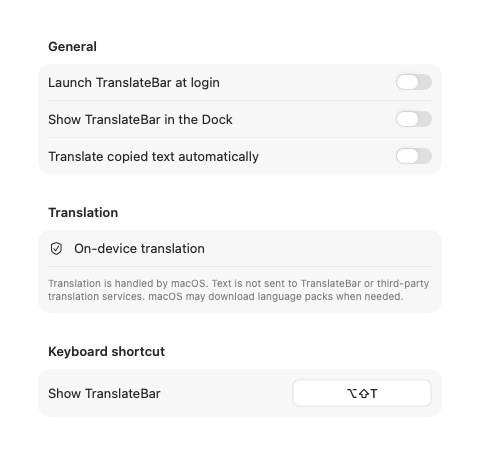
Choose whether TranslateBar launches at login, appears in the Dock, or watches the clipboard. Set a shortcut that fits the way you work.
Explore supportTranslateBar has no accounts, analytics, advertising, trackers, or translation servers of its own.

